> ## Documentation Index
> Fetch the complete documentation index at: https://docs.rocky.global/llms.txt
> Use this file to discover all available pages before exploring further.
# Account registration
> Learn how your account is created as an athlete in Rocky Global.
## How your account is created
In Rocky Global there is **no separate "Sign Up" screen**. Your account is created automatically as part of the event registration process, using the email you enter in the registration form.
Find the event you want to participate in and start the registration process. [See how to register](/en/roles/atleta/inscripcion-evento).
If you haven't logged in, fill in your details (first name, last name, email, phone, etc.) in the **Personal Information** step of the registration wizard. You are not asked to create a password at this point.
Once payment is completed, if the email you used didn't match any existing account, Rocky Global creates your account automatically with that email.
You'll receive a welcome email with a link to **set your password**. Use that link to define your password so you can log in later.
Accounts are created with email and password; we're working on adding more sign-in options.
If you already have an account, you don't need to register again: at the top of the registration form click **Already have an account? Log in** and your saved information will load automatically.
## Requirements
* Be of legal age, or have authorization from your legal guardian.
* Have a valid email address you can access permanently: all official event communications (bib number, results, changes) and the link to set your password are sent to this email.
* An identity document (for events that require it).
## Common issues
Check your spam or junk folder. If you still don't see it, contact support so they can resend the link.
On the login screen, below the password field, click the **Forgot your password?** link.
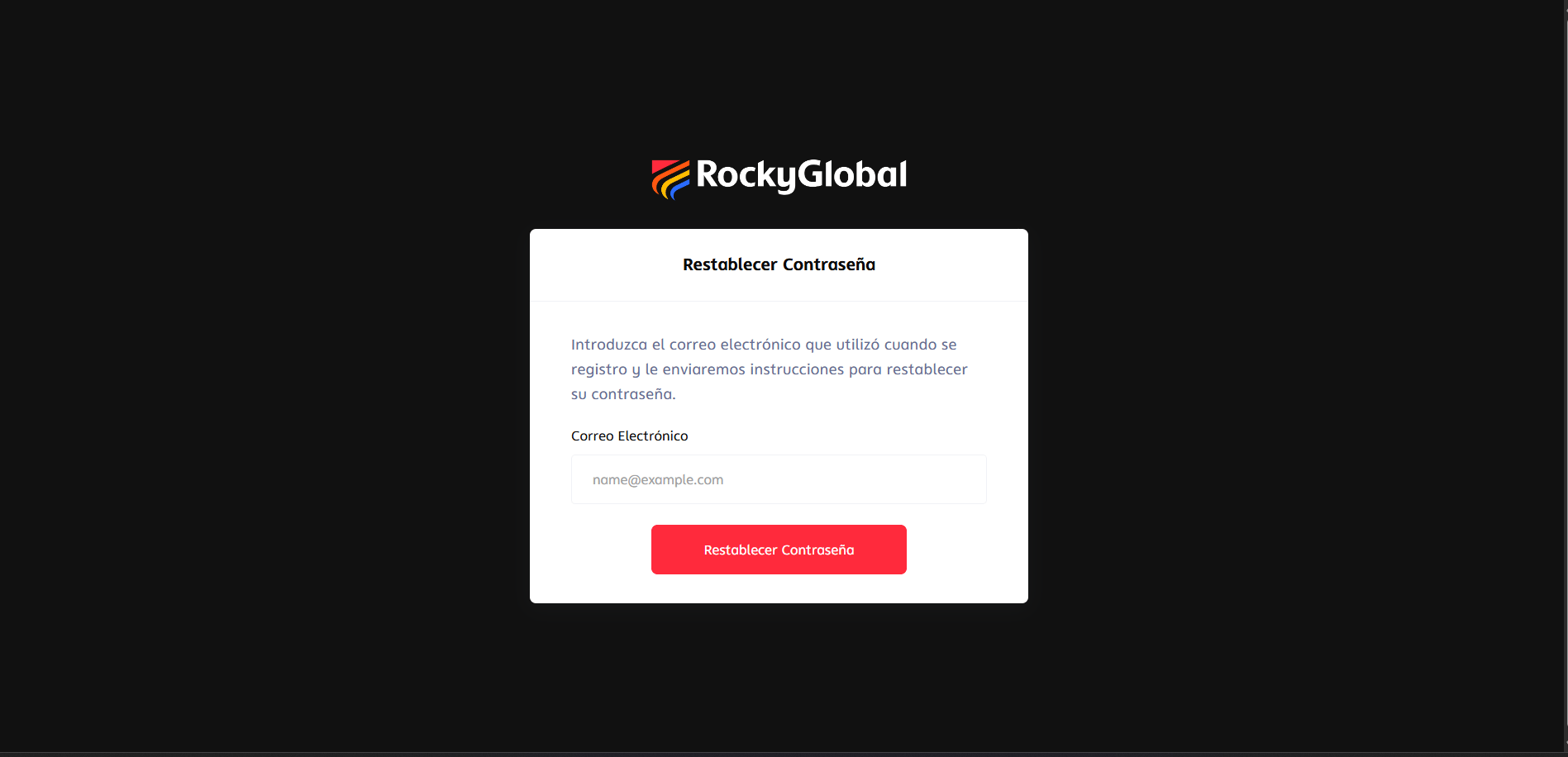
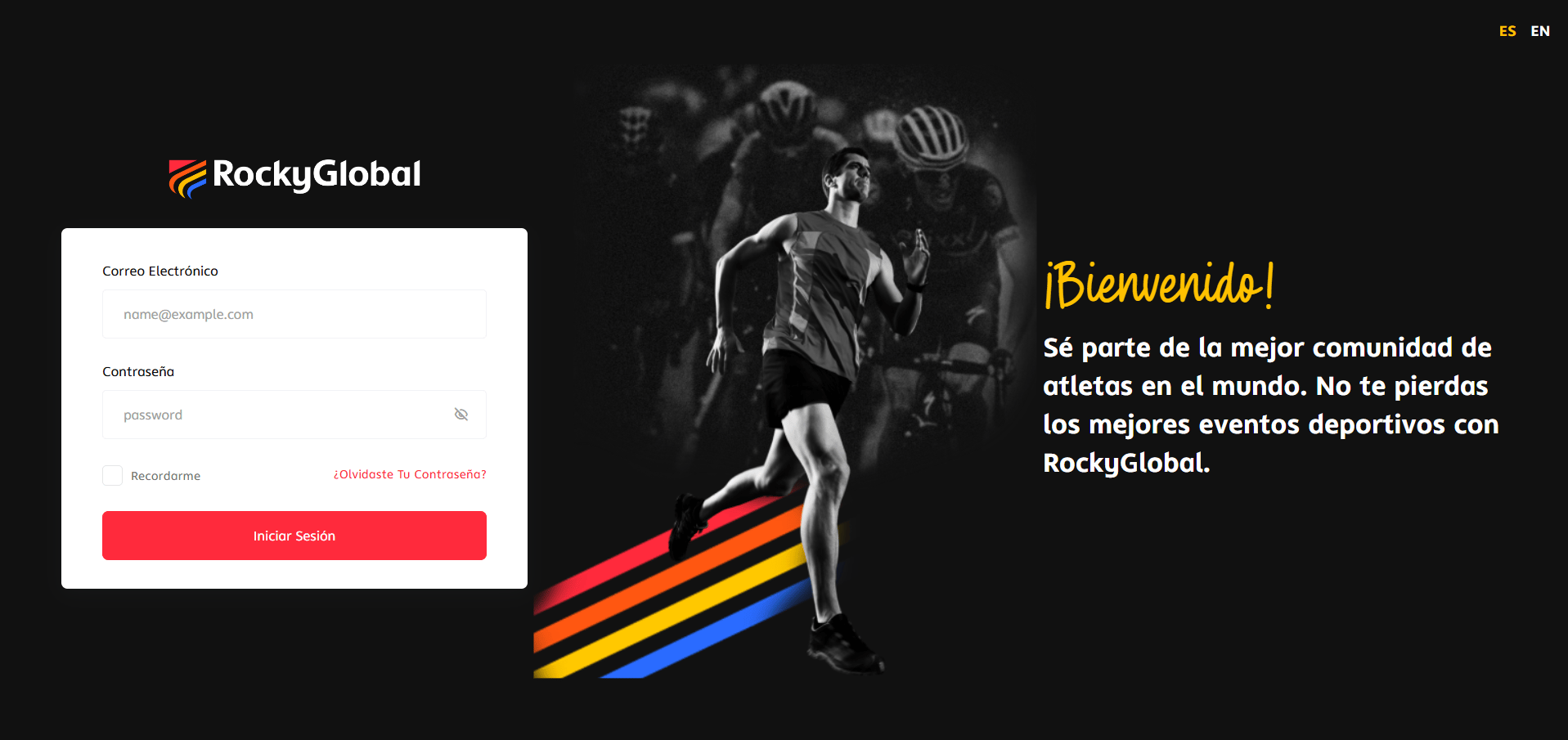 Type the email you registered with and click **Reset password**. You'll see a notice confirming that the email was sent.
 Check your inbox and click the **Reset password** button in the email you received. The link is valid for 60 minutes. A form will open for you to enter and confirm your new password.
After saving the new password, the platform logs you in automatically.
Contact support with your identity document and we'll help you recover access.
For now, the way to create your account is through the event registration process; we're evaluating adding other ways to register.
Check your inbox and click the **Reset password** button in the email you received. The link is valid for 60 minutes. A form will open for you to enter and confirm your new password.
After saving the new password, the platform logs you in automatically.
Contact support with your identity document and we'll help you recover access.
For now, the way to create your account is through the event registration process; we're evaluating adding other ways to register.