> ## Documentation Index
> Fetch the complete documentation index at: https://docs.rocky.global/llms.txt
> Use this file to discover all available pages before exploring further.
# API for organizers
> Generate access tokens and query or update participants via API.
## What can you do with the API?
From **Settings → API** you can generate tokens to integrate Rocky Global with your own systems.
For now, the API exposes the **participants** resource, which you can list and update. We're expanding coverage to include events, store, finances, and other modules soon.
## Activate access
In **Settings → API**, activate access for your organization.
You can adjust the requests-per-minute limit, the default page size and maximum results per query, and restrict access to a list of allowed IPs.
Create a token with a descriptive name (for example, "CRM Integration"). The token is shown only once: store it in a safe place.
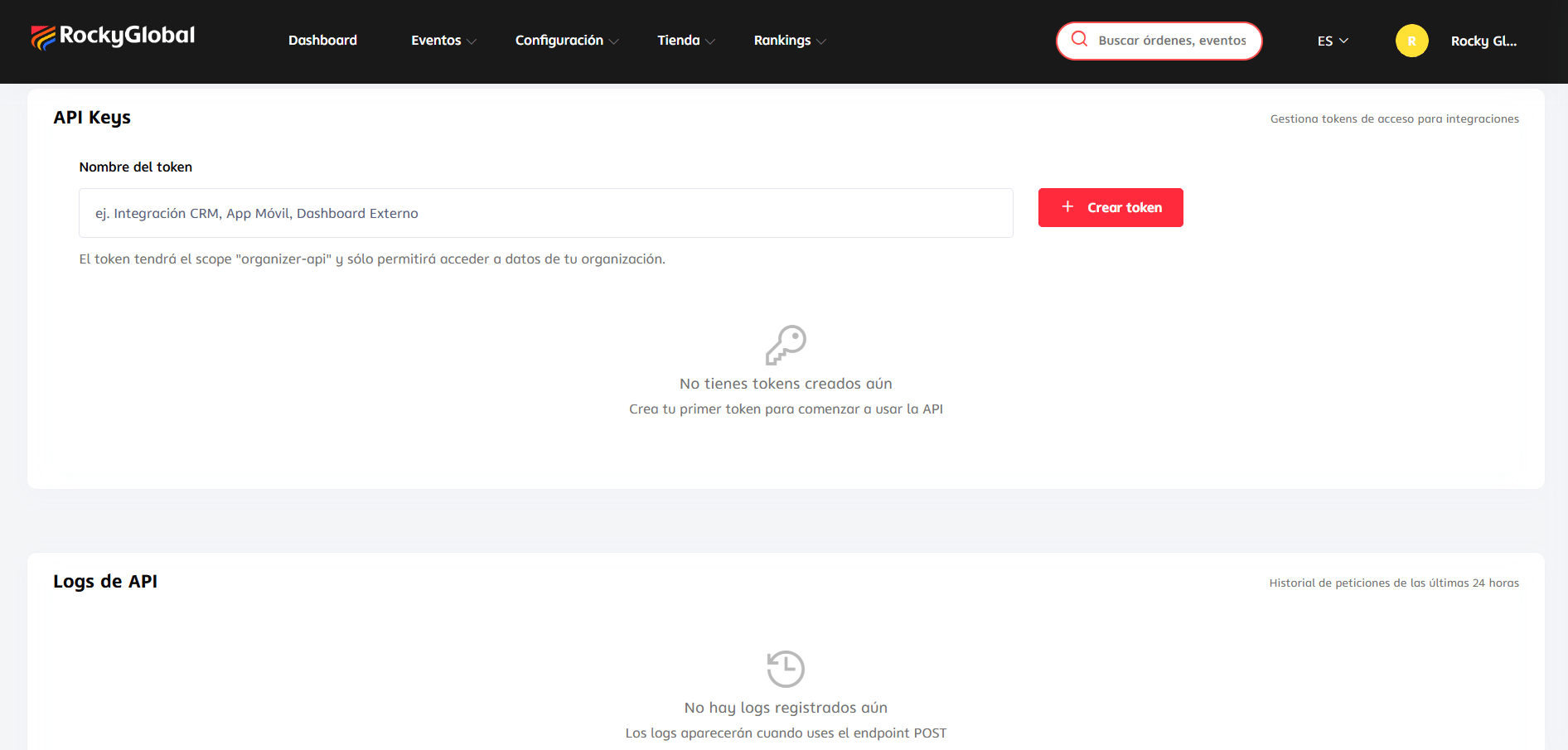 You can revoke a token at any time from the same panel.
## Available endpoint
```
GET /api/v1/organizer/participants
POST /api/v1/organizer/participants
```
Authenticate your requests with the token as a Bearer token. See the technical details of fields and responses in the [organizer API documentation](/en/apis/organizer-api).
## Usage logs
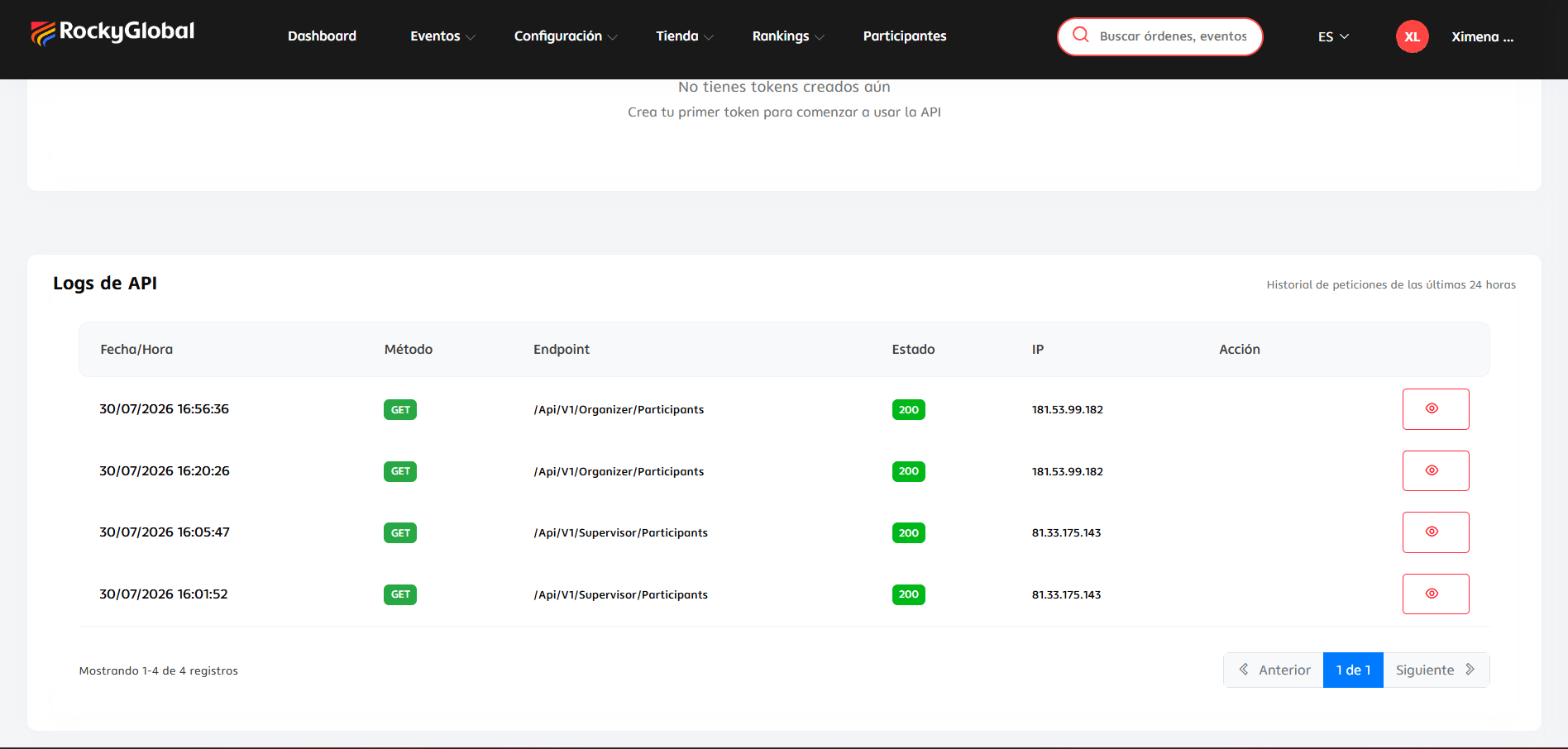
You can view the log of requests made with your tokens over the last 24 hours, with details of each request.
You can revoke a token at any time from the same panel.
## Available endpoint
```
GET /api/v1/organizer/participants
POST /api/v1/organizer/participants
```
Authenticate your requests with the token as a Bearer token. See the technical details of fields and responses in the [organizer API documentation](/en/apis/organizer-api).
## Usage logs
You can view the log of requests made with your tokens over the last 24 hours, with details of each request.