> ## Documentation Index
> Fetch the complete documentation index at: https://docs.rocky.global/llms.txt
> Use this file to discover all available pages before exploring further.
# Event store
> Configure products, kits, and official t-shirts for your event.
## What can you sell?
* Commemorative t-shirts and apparel.
* Additional medals and trophies.
* Kits for companions.
* Professional photographs.
* Sponsor products.
## Catalogs
Products aren't created loosely for a single event: they're grouped into **catalogs** that belong to your organization (not to a specific event). The same catalog can be assigned to **several of your events** at once, letting you reuse the same set of products (for example, the same t-shirt line) across different editions without having to upload them again.
Go to **Store → Catalogs** and define **Catalog name**, **Associated events** (which of your events it applies to), and mark it **Active**.
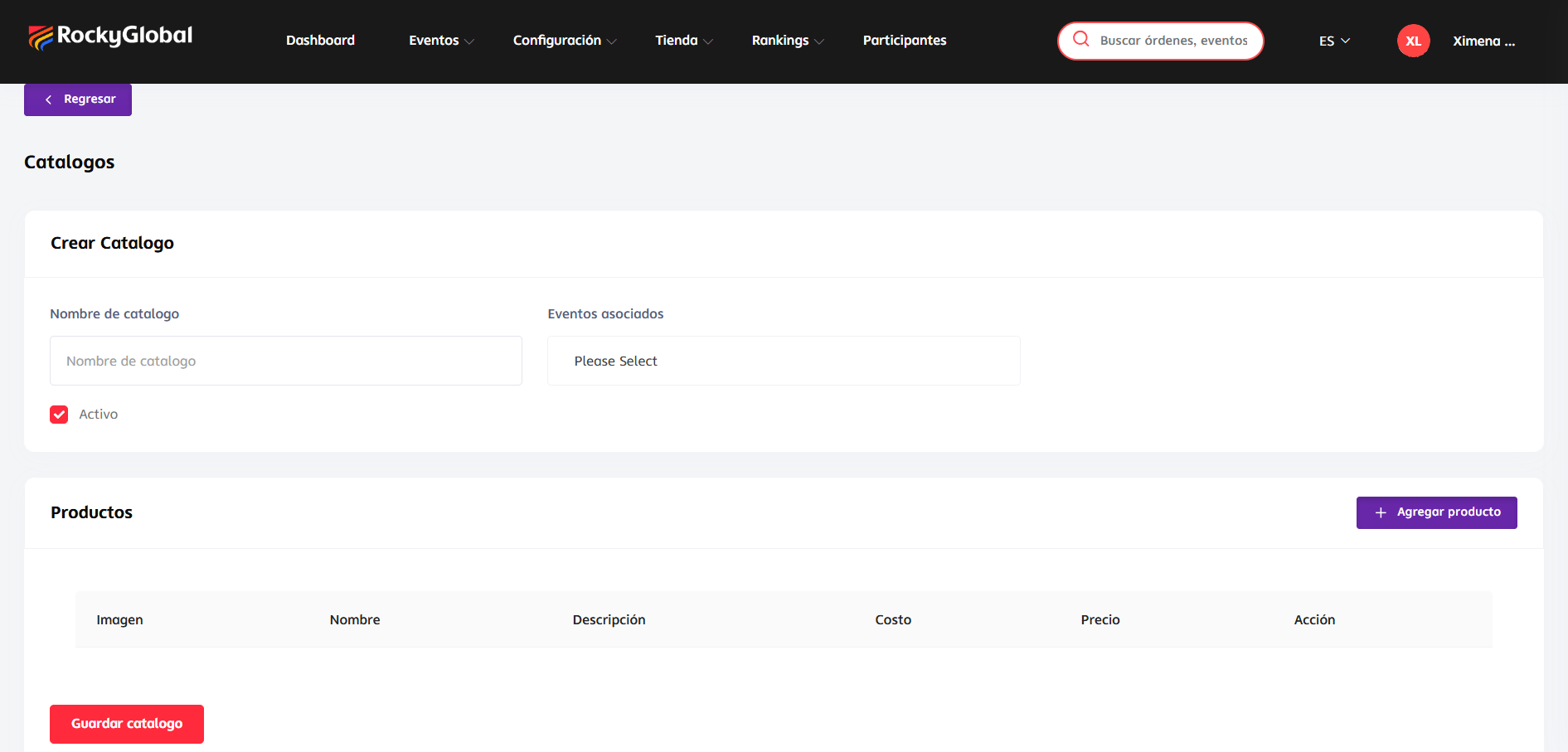 Within that same screen, in the **Products** section, click **Add product**.
Click **Save catalog**.
Assigning a product to a catalog is optional: a product can exist without an assigned catalog.
## Add a product
From the catalog screen, click **Add product**.
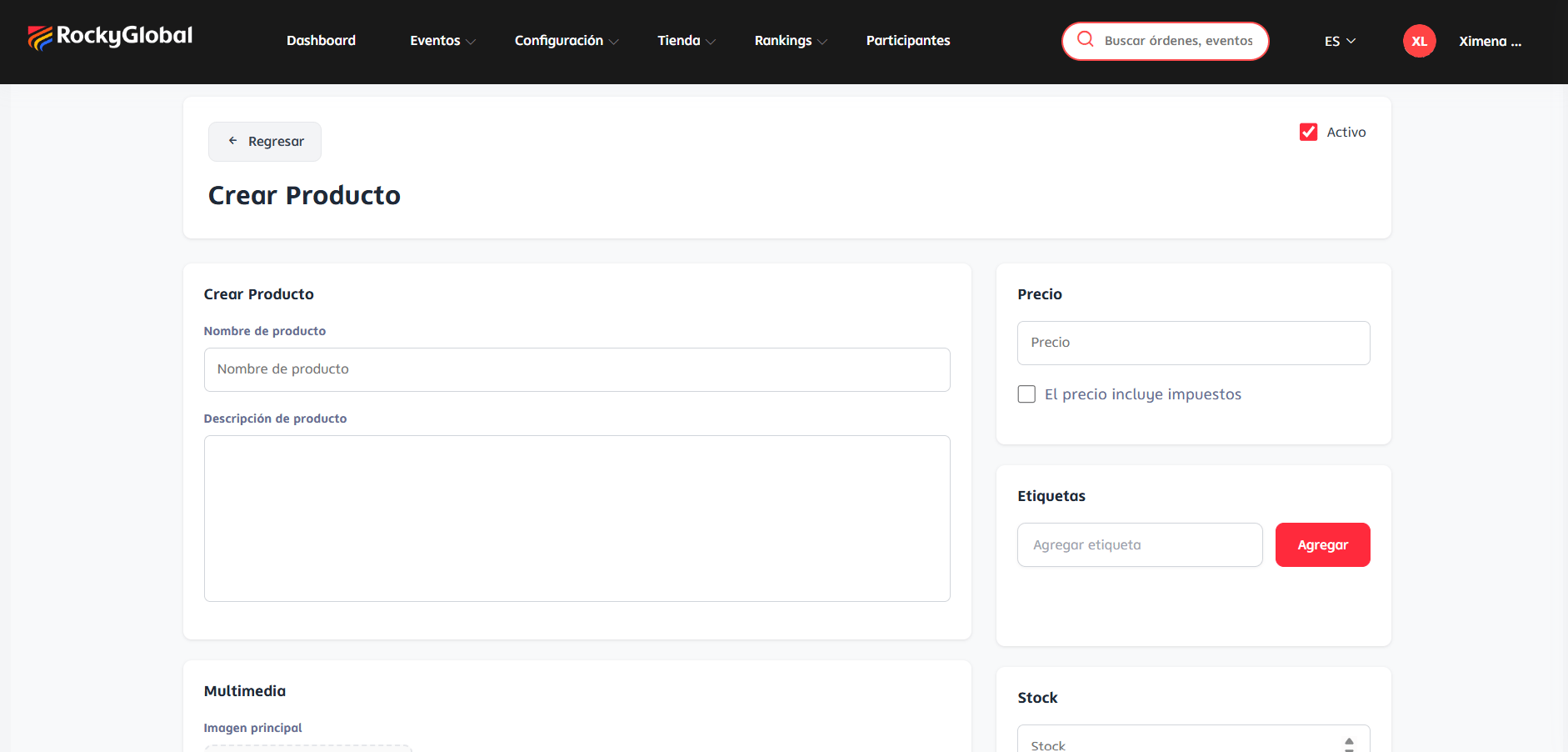
* Product name and description.
* Price, with an optional **Price includes taxes** checkbox.
* Tags (optional).
* Media: main image.
* Stock (or variants with their own stock, if the product has size/color).
Within that same screen, in the **Products** section, click **Add product**.
Click **Save catalog**.
Assigning a product to a catalog is optional: a product can exist without an assigned catalog.
## Add a product
From the catalog screen, click **Add product**.
* Product name and description.
* Price, with an optional **Price includes taxes** checkbox.
* Tags (optional).
* Media: main image.
* Stock (or variants with their own stock, if the product has size/color).
 Mark the product as **Active** so it appears in the store.
Purchased products are picked up at the event.
## Inventory
The system automatically deducts inventory when a product is sold (if you have stock control enabled for that product).
For now, tracking low or out-of-stock inventory is done by checking it manually; we're working on adding automatic alerts for these cases.
## Products alongside registration
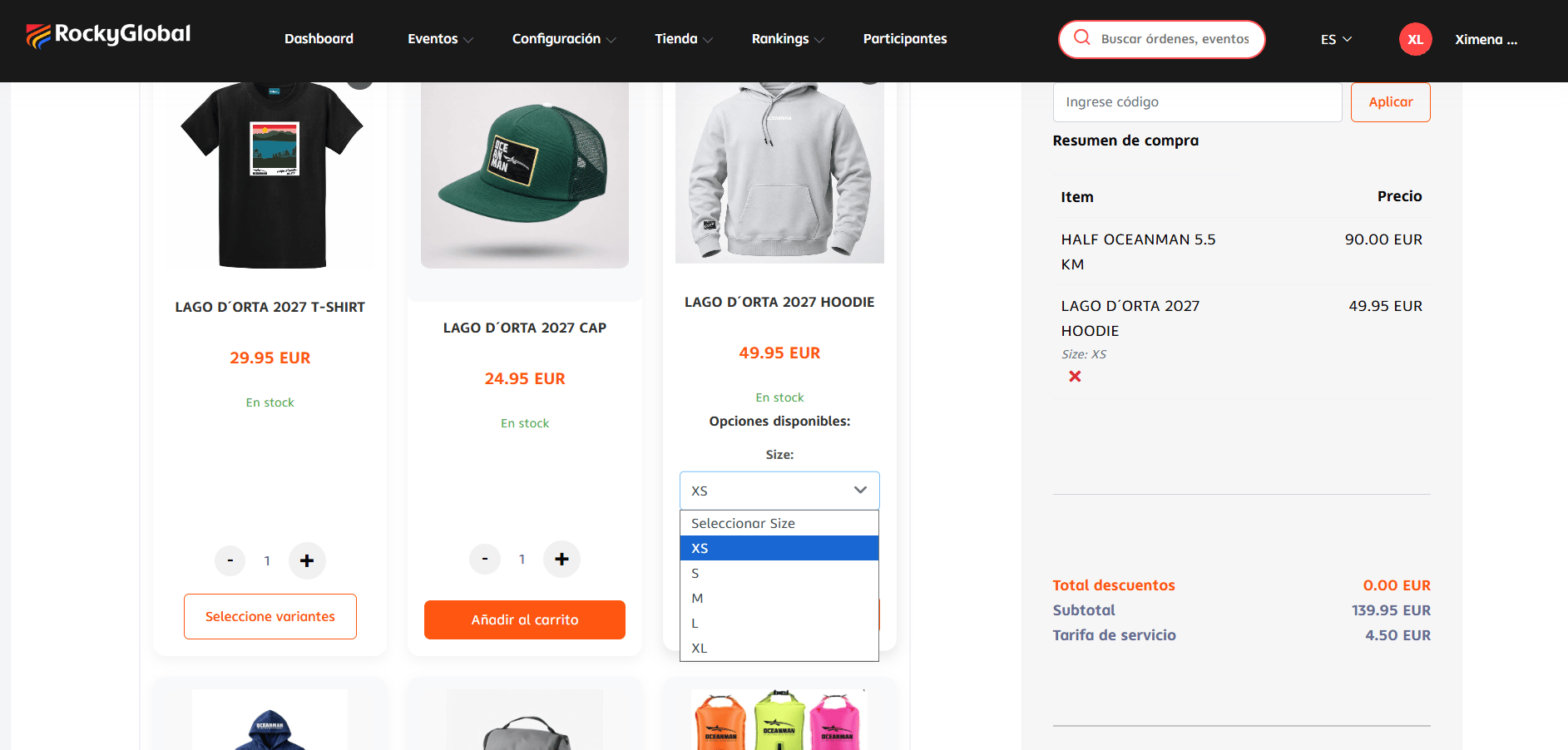
You can offer products to be purchased during the registration process, in addition to open sales in the event's public store. See [Registering for an event](/en/roles/atleta/inscripcion-evento).
Mark the product as **Active** so it appears in the store.
Purchased products are picked up at the event.
## Inventory
The system automatically deducts inventory when a product is sold (if you have stock control enabled for that product).
For now, tracking low or out-of-stock inventory is done by checking it manually; we're working on adding automatic alerts for these cases.
## Products alongside registration
You can offer products to be purchased during the registration process, in addition to open sales in the event's public store. See [Registering for an event](/en/roles/atleta/inscripcion-evento).
 ## Store reports
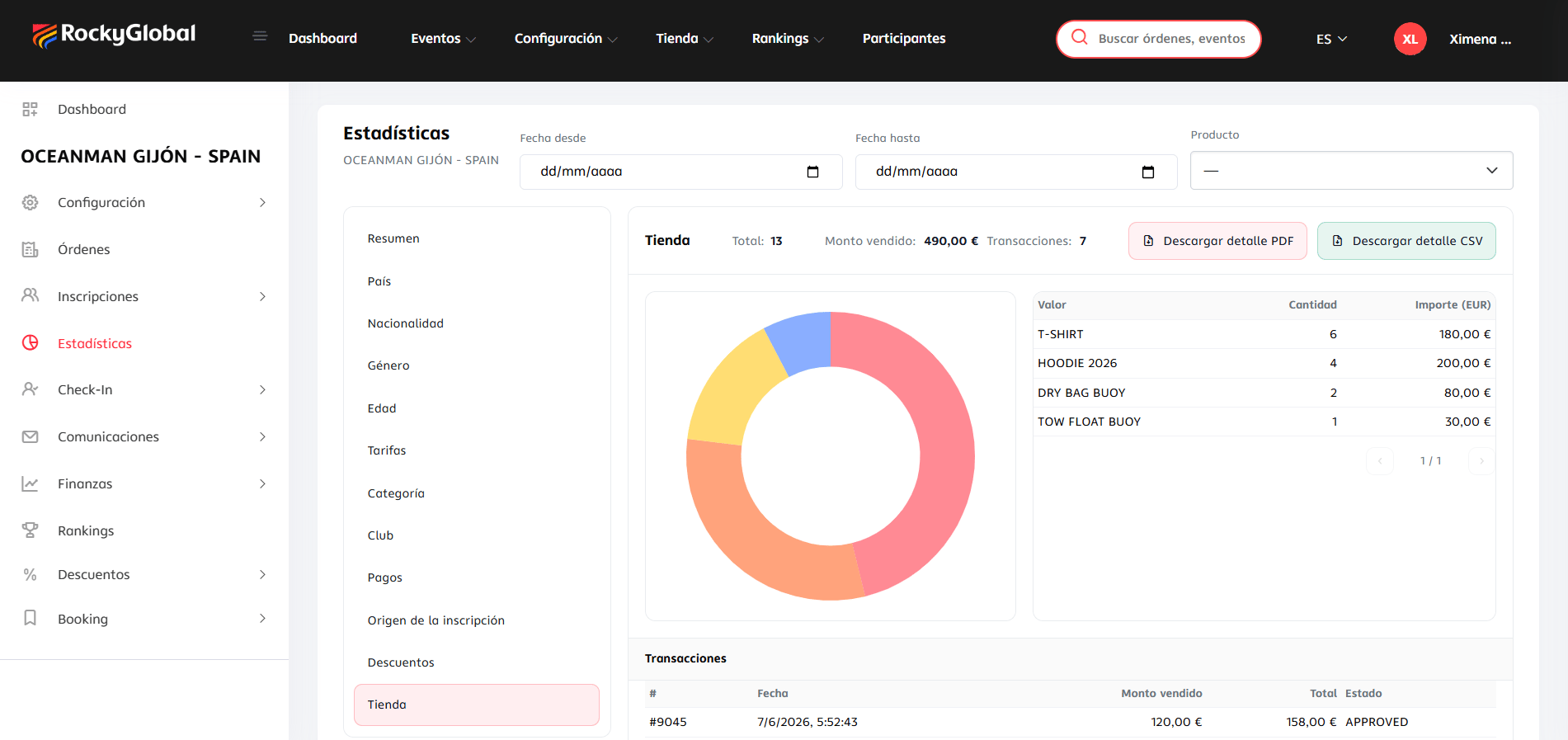
The **Store** section of the event's Statistics panel shows units sold, revenue, and transactions per product, exportable as PDF or CSV. See [Reports and exports](/en/roles/organizador/reportes-exportaciones).
## Store reports
The **Store** section of the event's Statistics panel shows units sold, revenue, and transactions per product, exportable as PDF or CSV. See [Reports and exports](/en/roles/organizador/reportes-exportaciones).