Accepted payment methods
Rocky Global processes card payments (Visa, Mastercard, American Express) in euros (EUR), through either Redsys or Stripe. Which one charges you is set by the event’s organizer, based on the country you are paying from, so it can differ between events. There is nothing to choose: the registration takes you to whichever applies.- With Redsys you go through your bank’s screen and come back when you are done.
- With Stripe you pay without leaving the form, at the last step of the registration.
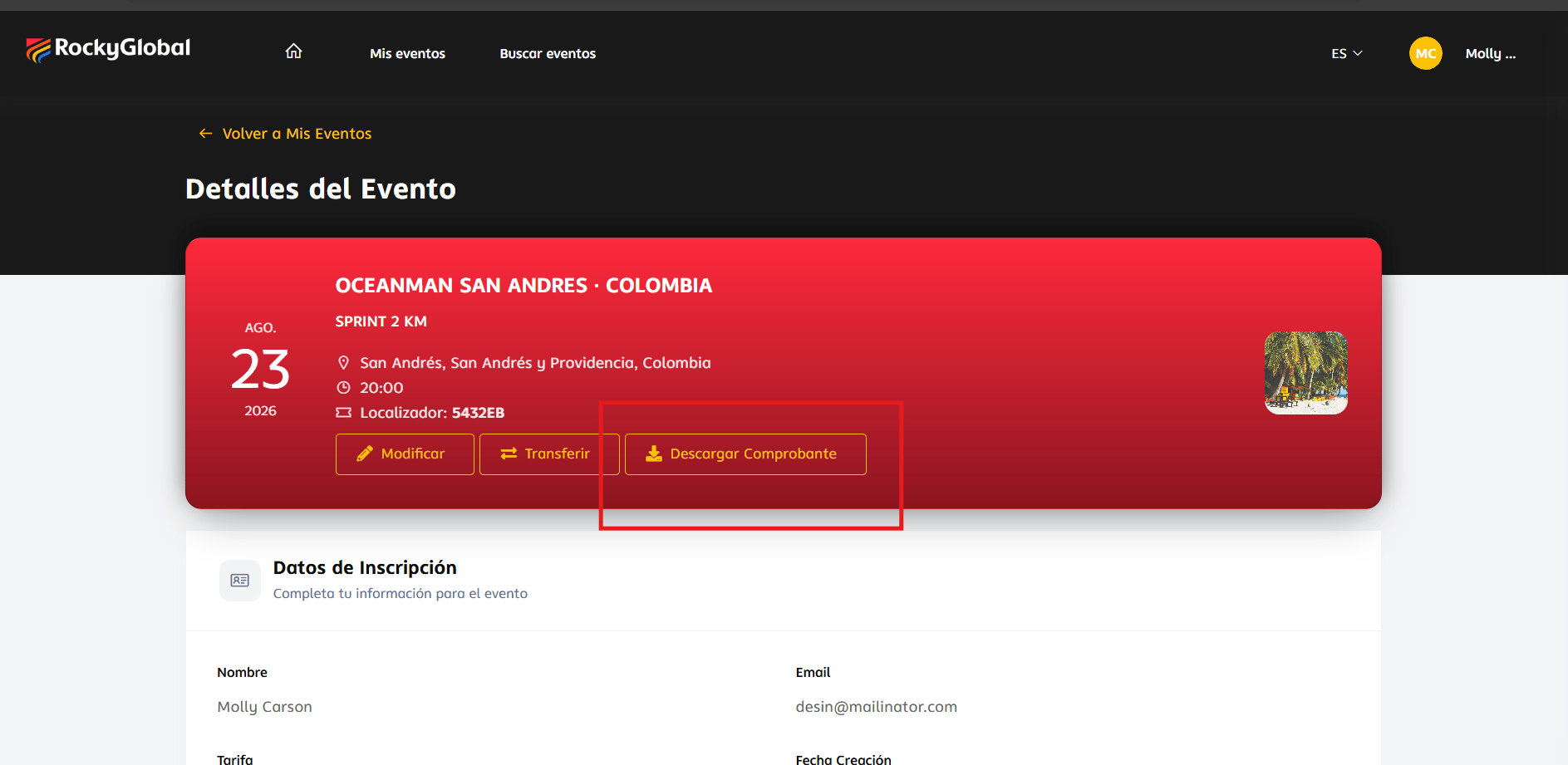
Download receipt
1
Go to 'My Events'
Sign in to your profile and open My Events.
2
Open your registration
Click the corresponding event to view your registration details.
3
Download
Click Download Receipt.
Refunds
Refunds are reviewed and processed by the event organizer according to their own policies; for now they’re handled directly with the organizer rather than through a button within the platform. To request one:- Contact the organizer or support, indicating the event and your registration.
- Attach your proof of payment.
- Explain the reason for the request.
Failed payments
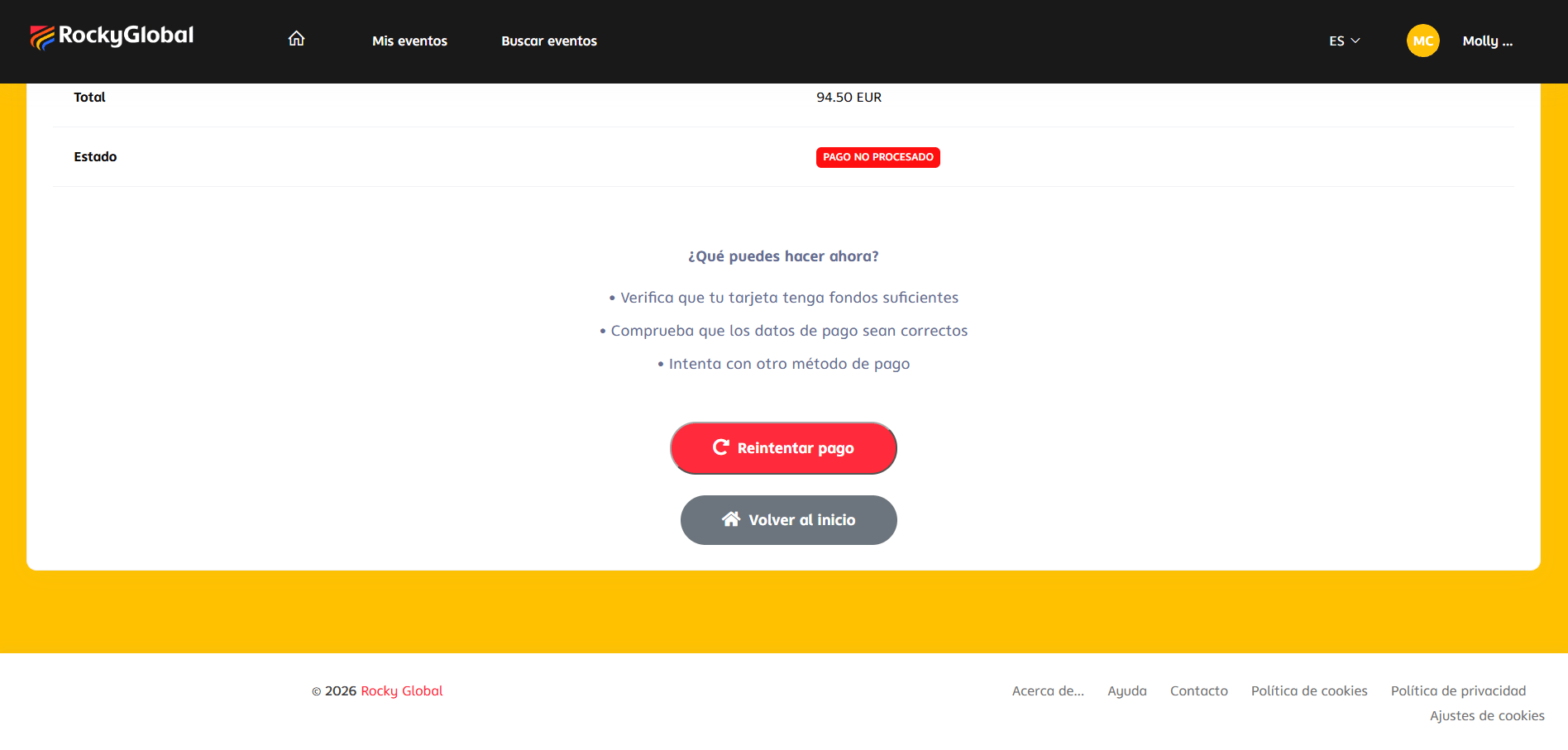
If your payment fails, the platform takes you to a “failed transaction” page with the option to retry the payment immediately.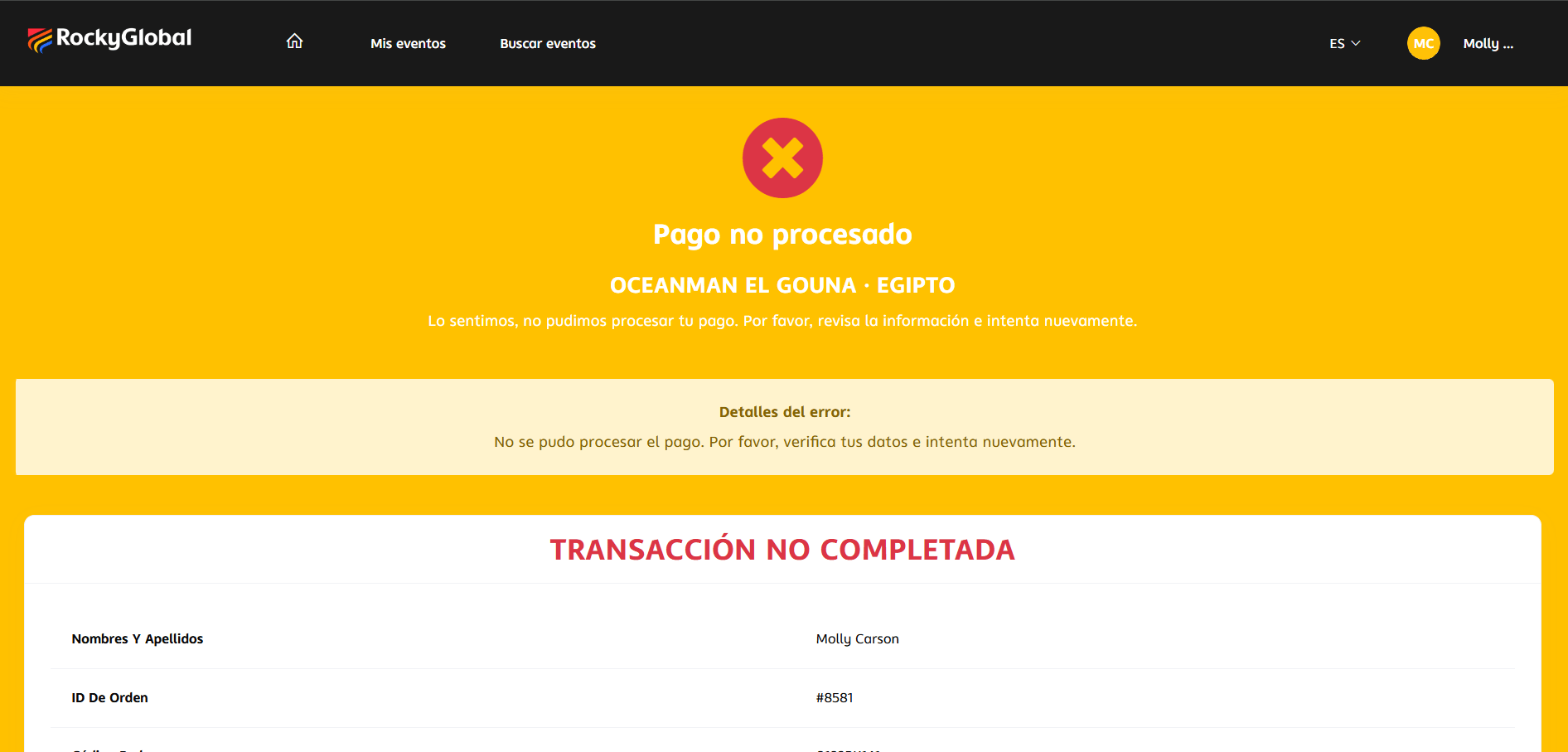
- Verify that your card has sufficient funds.
- Confirm with your bank that the transaction wasn’t blocked.
- Retry the payment from that same page.