
My Events panel
In the athlete’s profile you’ll find the complete history of events you’ve participated in or are about to participate in.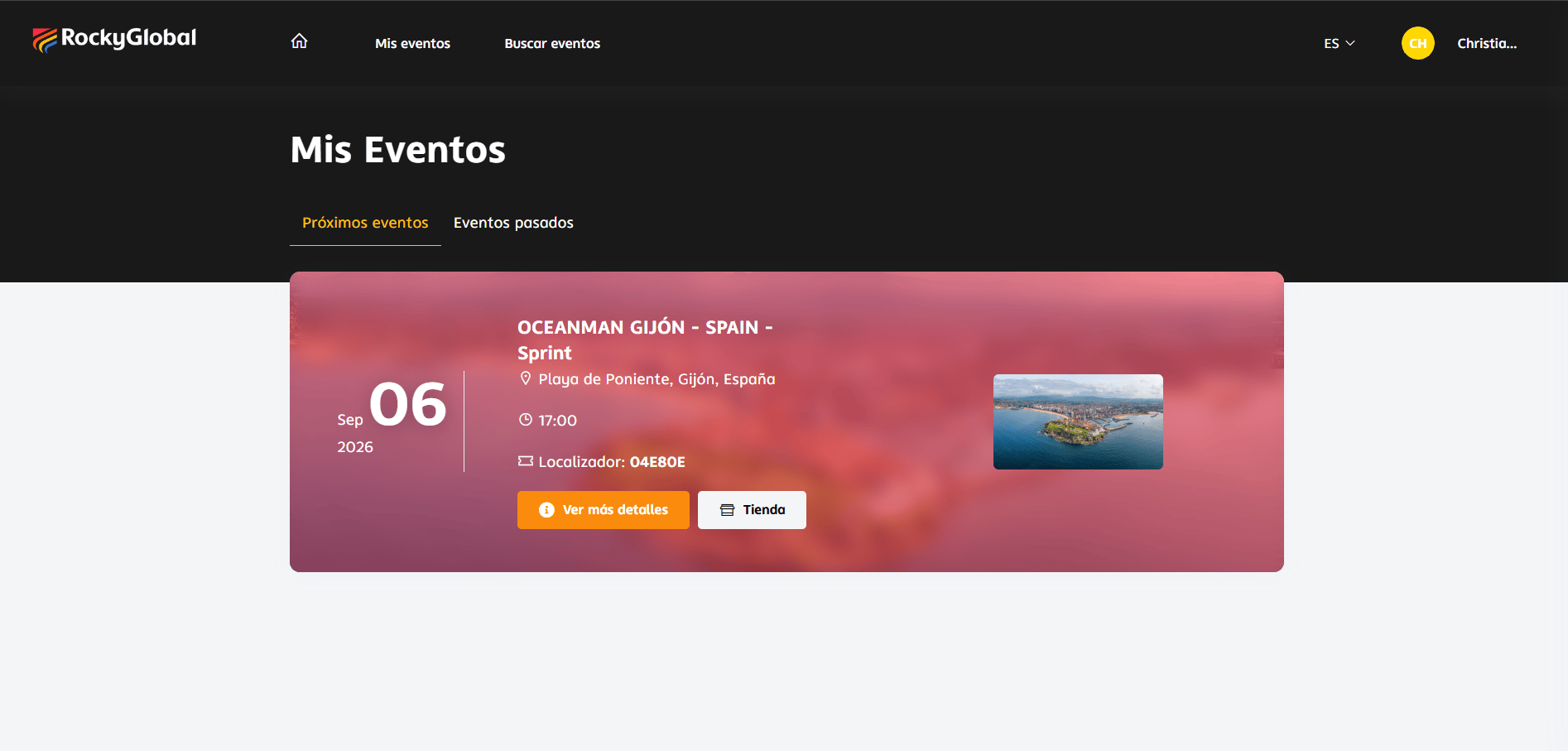
Information available per registration
- Event name and date.
- Registered category.
- Status (Confirmed, Pending, Finished).
- Bib number (once assigned).
- Proof of payment.
- Purchased products.
Edit a registration
Your account data (name, email, photo) is managed in Athlete profile. Per-event data (shirt size, club, emergency contact, fee, etc.) is edited here, in My Events, without contacting the organizer while the event remains open for changes.1
Open My Events
From your account menu, select My Events. You’ll only see registrations with approved payment.
2
Select the registration
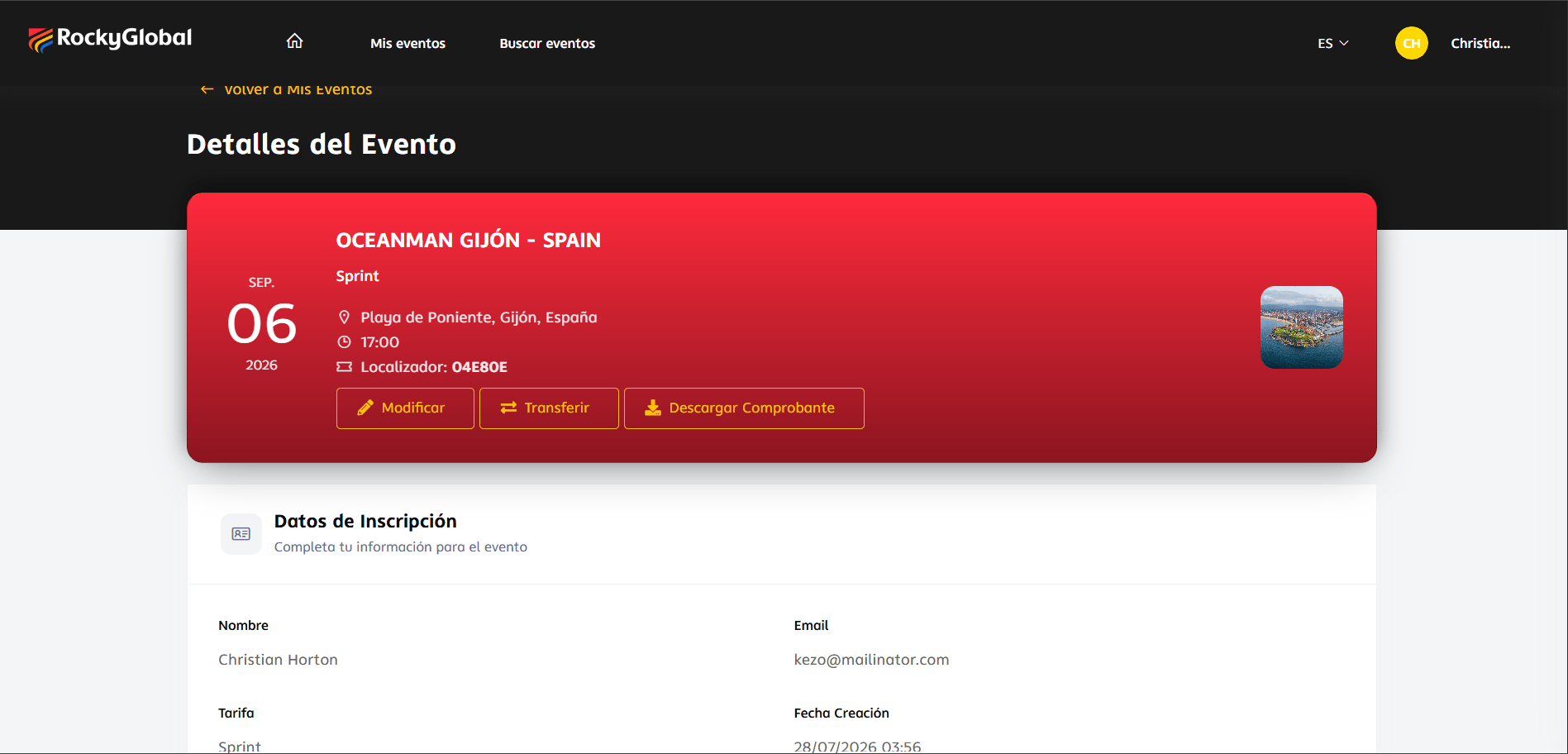
Open the event you want to change to view its locator, active fee, linked orders, and available actions.
3
Edit the registration
Click Edit registration to update form fields, change paid add-ons where allowed, or request a fee change if the organizer enabled it.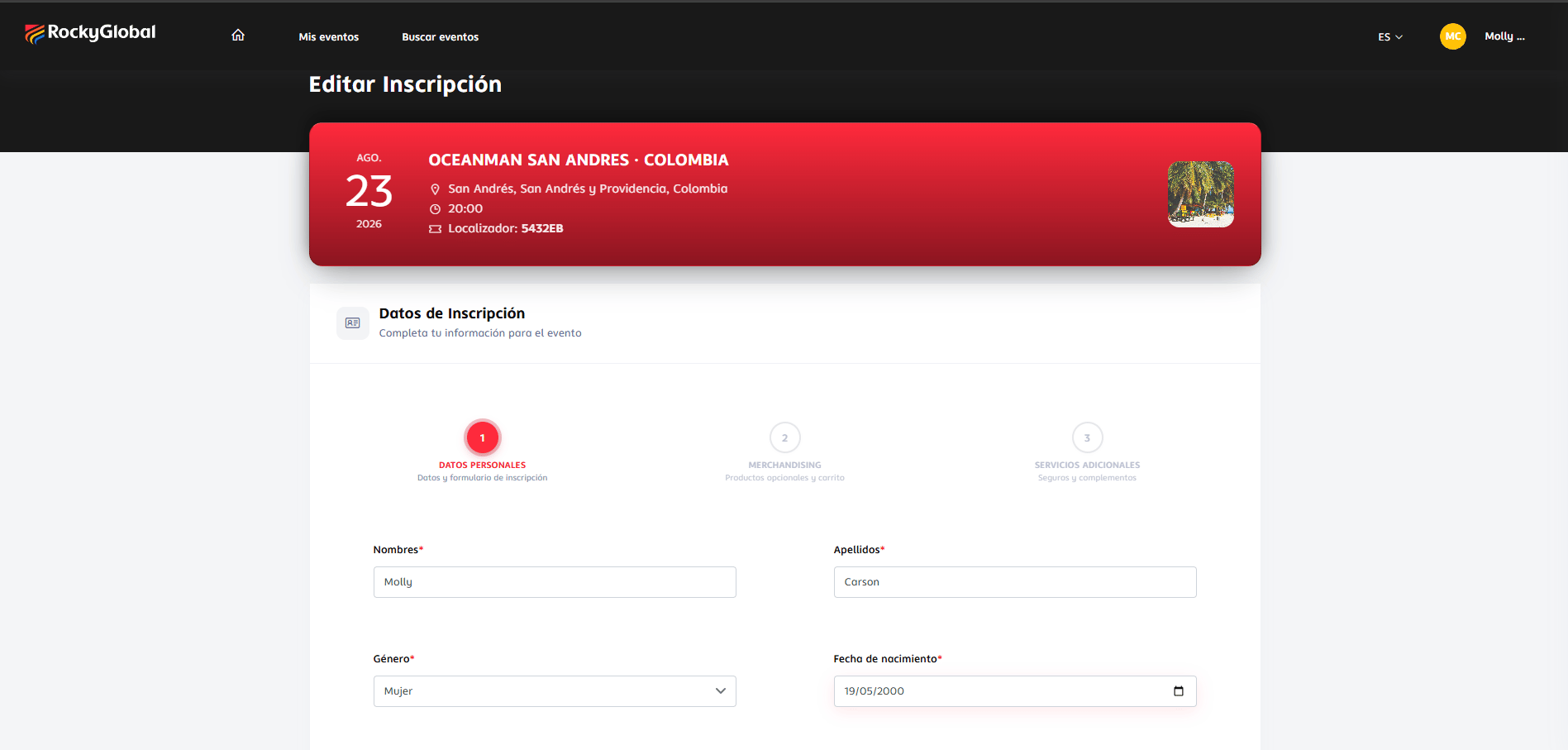
4
Save or complete payment
If the change involves an extra charge (for example, moving from 2K to 5K), the system sends you to checkout to pay the difference.
Available actions
Download receipt
Proof of payment or invoice.
Edit information
Update information if the organizer allows it.
Transfer registration
Give your spot to another athlete (if applicable).