What can you do with the API?
From Settings → API you can generate tokens to integrate Rocky Global with your own systems.Activate access
1
Activate the API
In Settings → API, activate access for your organization.
2
Configure limits (optional)
You can adjust the requests-per-minute limit, the default page size and maximum results per query, and restrict access to a list of allowed IPs.
3
Generate a token
Create a token with a descriptive name (for example, “CRM Integration”). The token is shown only once: store it in a safe place.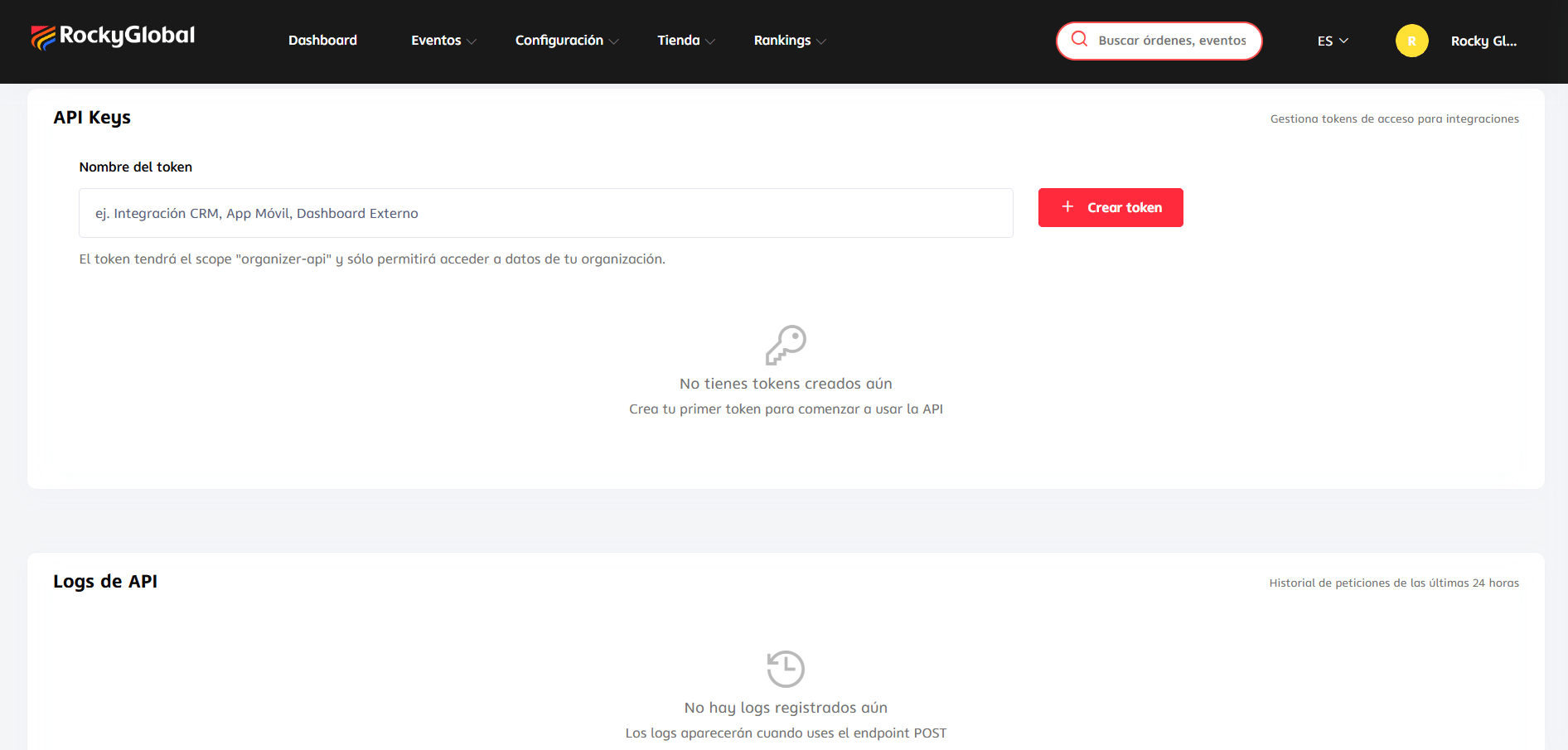
You can revoke a token at any time from the same panel.
Available endpoint
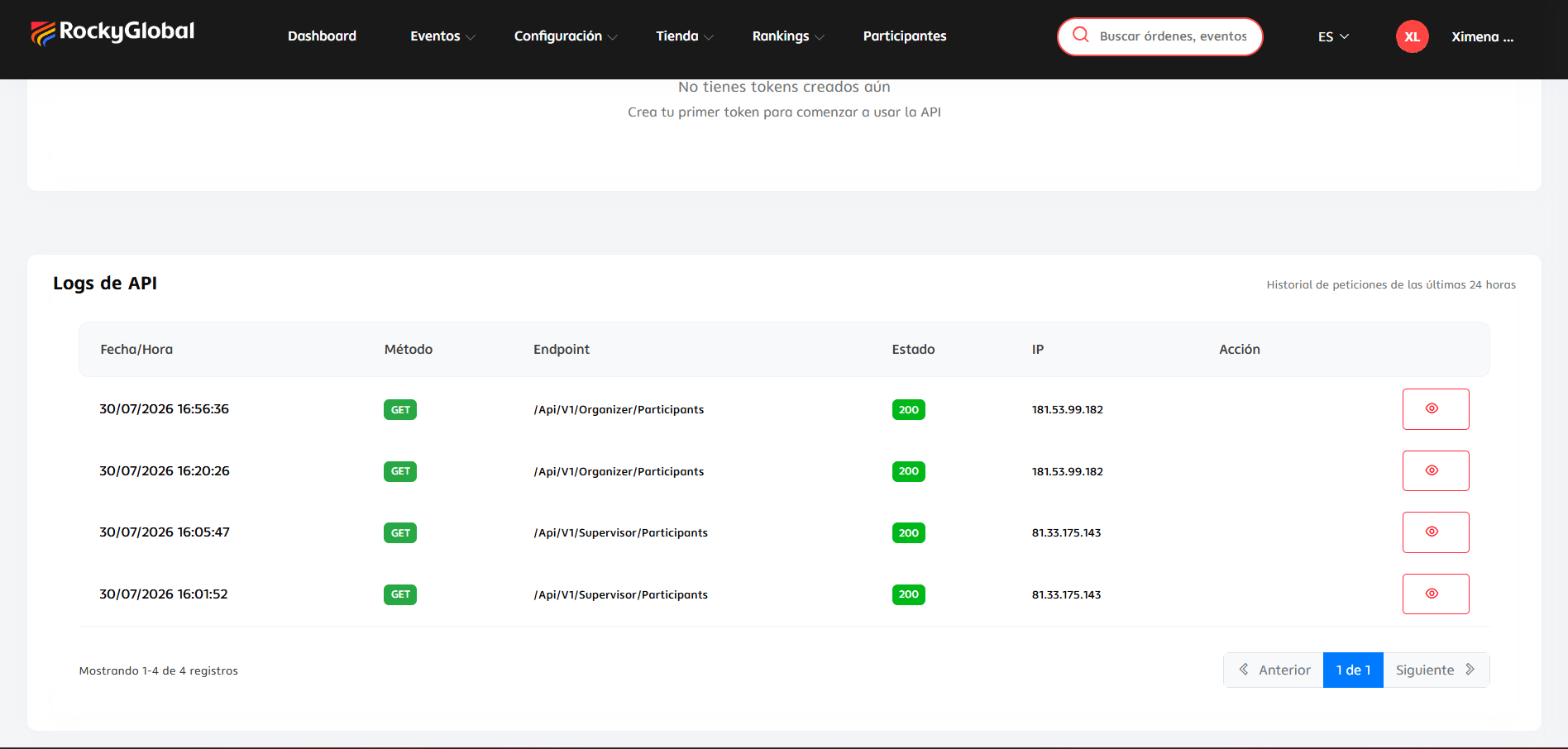
Usage logs
You can view the log of requests made with your tokens over the last 24 hours, with details of each request.